Posts

Showing posts from March, 2015

How To Install WordPress 4 (Portable)
Image
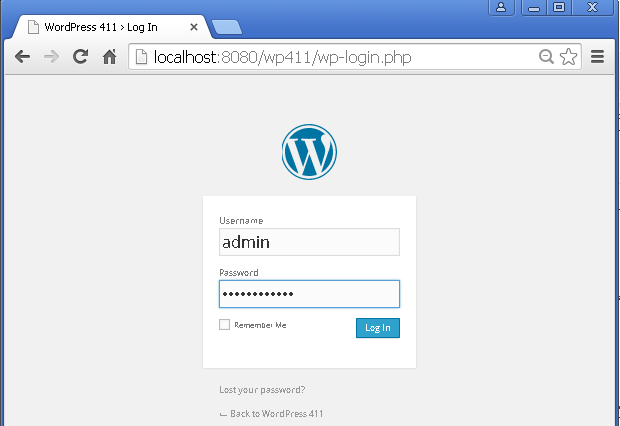
--- How To Install WordPress 4 (Portable) This tutorial guides you to setup WordPress 4.1.1 on portable platform (UsbWebServer 8.6) 1) Download the packages 1.1)  Download UsbWebServer 8.6 . 1.2)  Download WordPress 4.1.1 2) Extract the packages 2.1) Extract UsbWebServer 8.6 to C:\USBW86\ Notice the root folder. 2.2) Extract WordPress as a subfolder in the root folder, eg wp411 3) Run Server 3.1) Run the usbwebserver program 3.2) Check for green lights on UsbWebServer Control Panel 4) Create Database for WordPress 4.1) Run PHPMyAdmin 4.2) Log in using default credential. 4.4) Create a database, eg wp411 5) Run WordPress Installation 5.1) Browse  http://localhost:8080/wp411   5.2) Get ready with the required details. 5.3) Click Submit. 5.4) Click Run the install. 5.5) Enter required site and admin d...

How To Install Joomla 3 (Portable)

Image
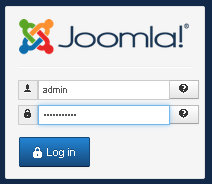
--- How To Install Joomla 3 (Portable) This tutorial guides you to setup Joomla 3.4.1 on portable platform (UsbWebServer 8.6). 1) Download the packages 1.1)   Download UsbWebServer 8.6 . 1.2)   Download Joomla 3.4.1 . 2) Extract the packages 2.1) Extract UsbWebServer 8.6 to C:\USBW86\ Notice the root folder. 2.2) Extract Joomla into the root folder 3) Run Server 3.1) Run the usbwebserver program 3.2) Check for green lights on UsbWebServer Control Panel 4) Create Database for Joomla 4.1) Run PHPMyAdmin 4.2) Log in using default credential. 4.4) Create a database, eg joomla341 5) Run Joomla Installation 5.1) Browse  http://localhost:8080/joomla341 Click Next. 5.2) Enter your database connection details. If you get an error below, try changing the Database Type. Try with MySQL and click Next. 5.3) Select Sample Da...

How To Create FaceBook Profile Picture

Image
--- How To Create FaceBook Profile Picture Using Microsoft PowerPoint Program Refer this page to learn more on the required dimensions,  https://www.facebook.com/PagesSizesDimensions   1) Copy the following picture and paste to PowerPoint program 2) Create a rounded Rectangle Click and drag to create a new rectangle that fits the sample picture above. 3) Set the Shape Fill and Shape Outline 4) Add Text Boxes 5) Group the objects 6) Save as Picture ---

How To Install Secure Wamp Server (Portable)

Image
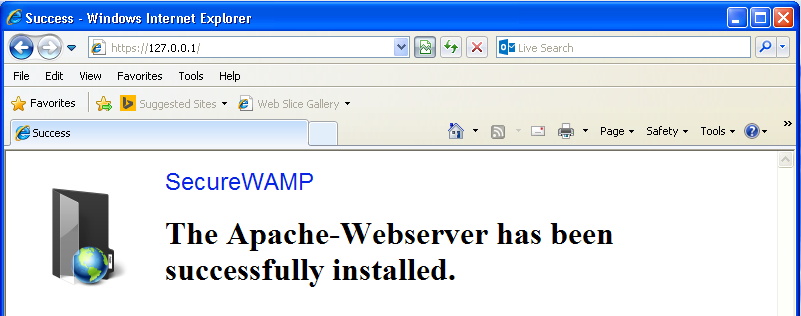
--- Install Secure Wamp Server (Portable) 1) Download the server 1.1) Go to the website ( http://securewamp.org/en/  ) and find the download button ( http://securewamp.org/en/download.php ). 1.2) This tutorial uses version 0.90 Alternatively, download from here ( https://drive.google.com/file/d/0BwDdZQLQH_ALbEJoaEV0bTBxbVk/view?usp=sharing   ). 2) Install 2.1) Run the program. 3) Test Server 3.1) Run the Program. 3.2) Install Apache Test with HTTPS protocol. Refresh web browser. ---